


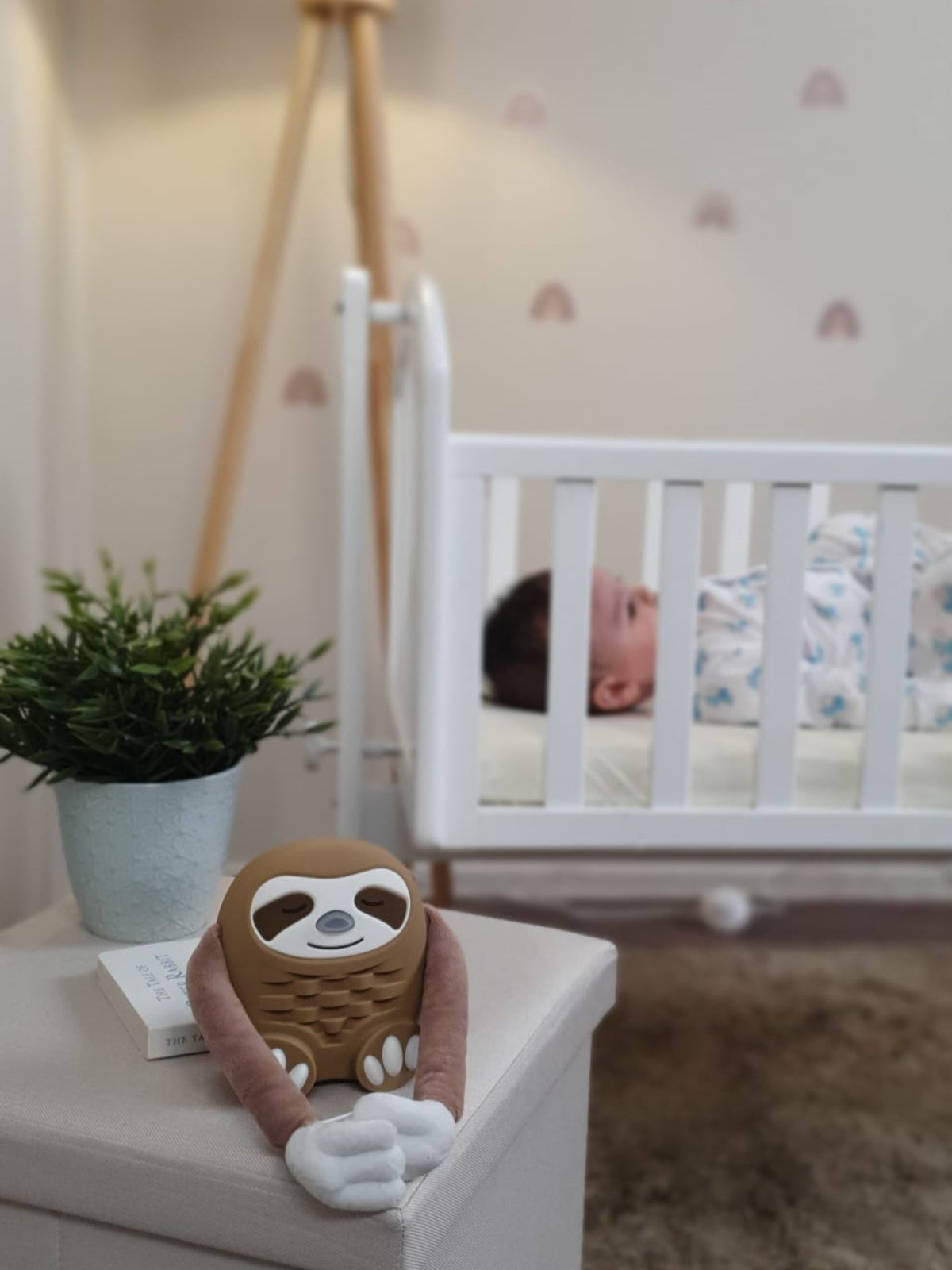
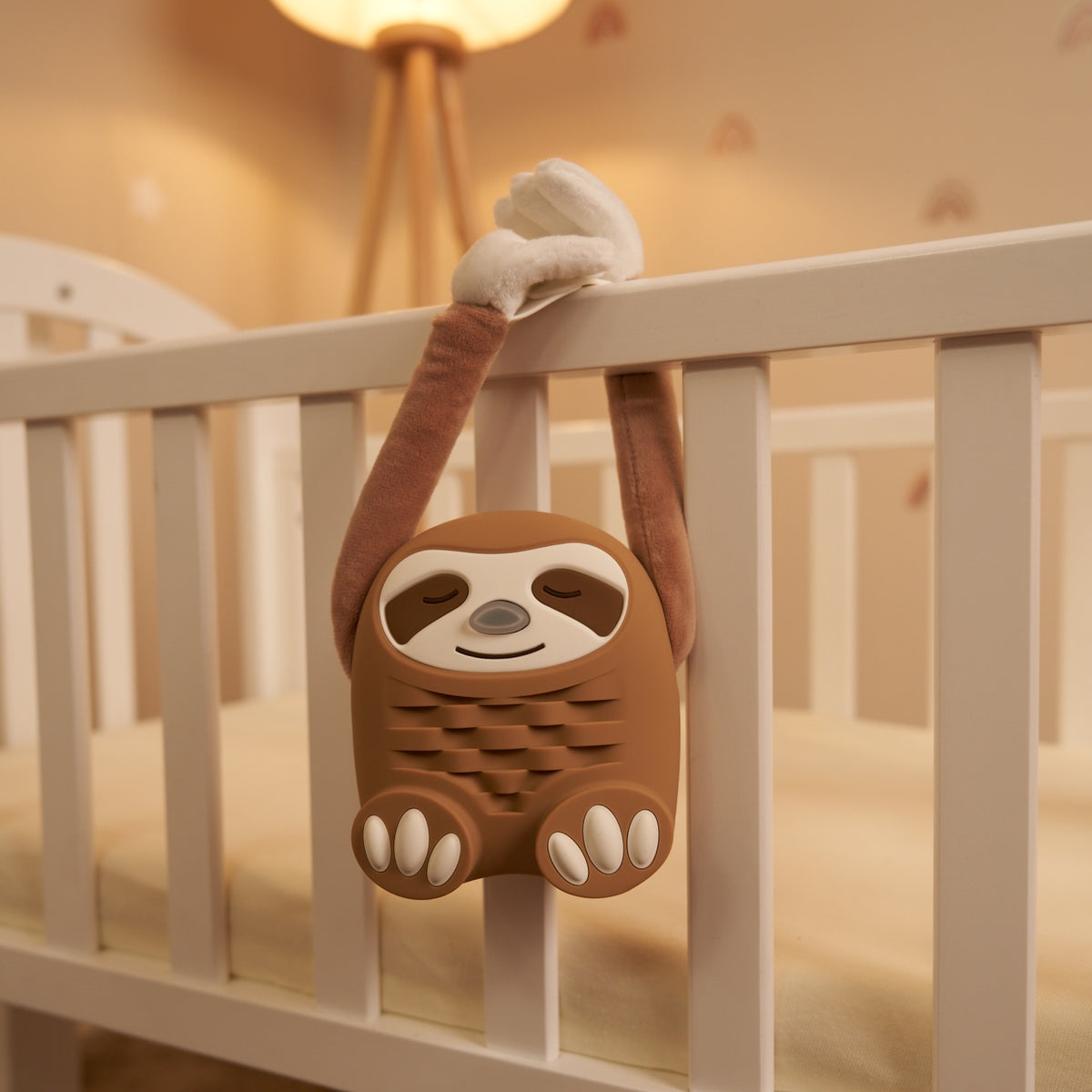
From your voice to their bedtime
- Record: open the SleepaSloth app on your iPhone or Android phone and record a lullaby, story or goodnight message.
- Add: connect the app and your SleepaSloth over Wi-Fi to add your recording to the device.
- Play: choose your recording or a preset sound, then adjust the volume, timer and nightlight for your routine.
Before you buy
How do I add my own voice?
Use the SleepaSloth app for iOS or Android to record a lullaby, story or message and add it to your device over Wi-Fi. Your recording then plays through SleepaSloth.
Do I need the app and Wi-Fi?
The app is used for setup, adding recordings and changing settings over Wi-Fi. SleepaSloth also has buttons for everyday sound and light control. If you have questions about your phone or home network, ask us before ordering.
Can I choose sounds and a timer?
Choose preset sounds or add your own recordings. Adjust the volume, playback duration and nightlight brightness to suit your routine.
What about delivery, returns and help?
UK tracked shipping is free. Read our shipping information for delivery details. Returns must be requested within 30 days and meet the conditions in our returns policy. Products must be unused and in resalable condition, as set out in the policy. For product or setup questions, email support@sleepasloth.com.